No technical experience needed.
Every person can use it from day one.
Practical · In-person · Built on your files
Your team has access to Claude. But most people are still using it like a search box: one question at a time, copying answers into other tools, getting generic results because Claude knows nothing about your business.
Mia Bowyer trains teams to build a Claude operating system: one AI brain that knows your business, works from your documents, follows your SOPs and does the repeatable work automatically. No technical experience required. The learning curve is a conversation, not a software course.
Mia created the free 48-page Claude Skills Library used in her enterprise workshops, and runs one of Australia's first women-focused Claude training programs.

One system, built properly
The businesses pulling ahead have made a specific choice. They pick one AI system, build it around how their business actually works, and put it in the hands of every person on their team. Claude suits this well:
Every person can use it from day one.
Google Drive, Gmail, Google Calendar, Microsoft 365, Notion and more.
let you store your knowledge and repeat your best work.
produce reports and summaries automatically.
brings Claude into every browser window.
Even across multiple businesses, Claude can hold the full picture.
The architecture
Each person writes a personal system prompt: who they are, their role, your clients, your voice and what good output looks like
Your rate cards, SOPs, compliance files and client profiles become Claude's knowledge base. Google Drive and Gmail connect directly.
Claude produces real work: proposals, reports, compliance summaries and client communications, all in your voice
Scheduled tasks run weekly summaries, briefings and checklists without anyone compiling them
Everything connects into one group operating system, accessible everywhere through the Chrome extension and connectors
Two practical days
Built around real roles
speak decisions into the phone while driving, and Claude turns them into action items, emails and memos
driver briefings, incident reports and end-of-day summaries
preventive maintenance schedules across the whole fleet, with overdue items flagged
monthly reports with variance commentary, plus debtor follow-up emails
daily inbox triage, board packs and action item registers
employment contracts, position descriptions and onboarding programs
contract summaries, compliance checklists and renewal calendars
A specialist, not a lecture
“I went from ‘I've never used Claude!’ to installing it the second I got home.”Khushi Litoria, Creative Lead
Free resource
Download the same 48-page skills book Mia uses in her enterprise workshops.
Download the Claude Skills Library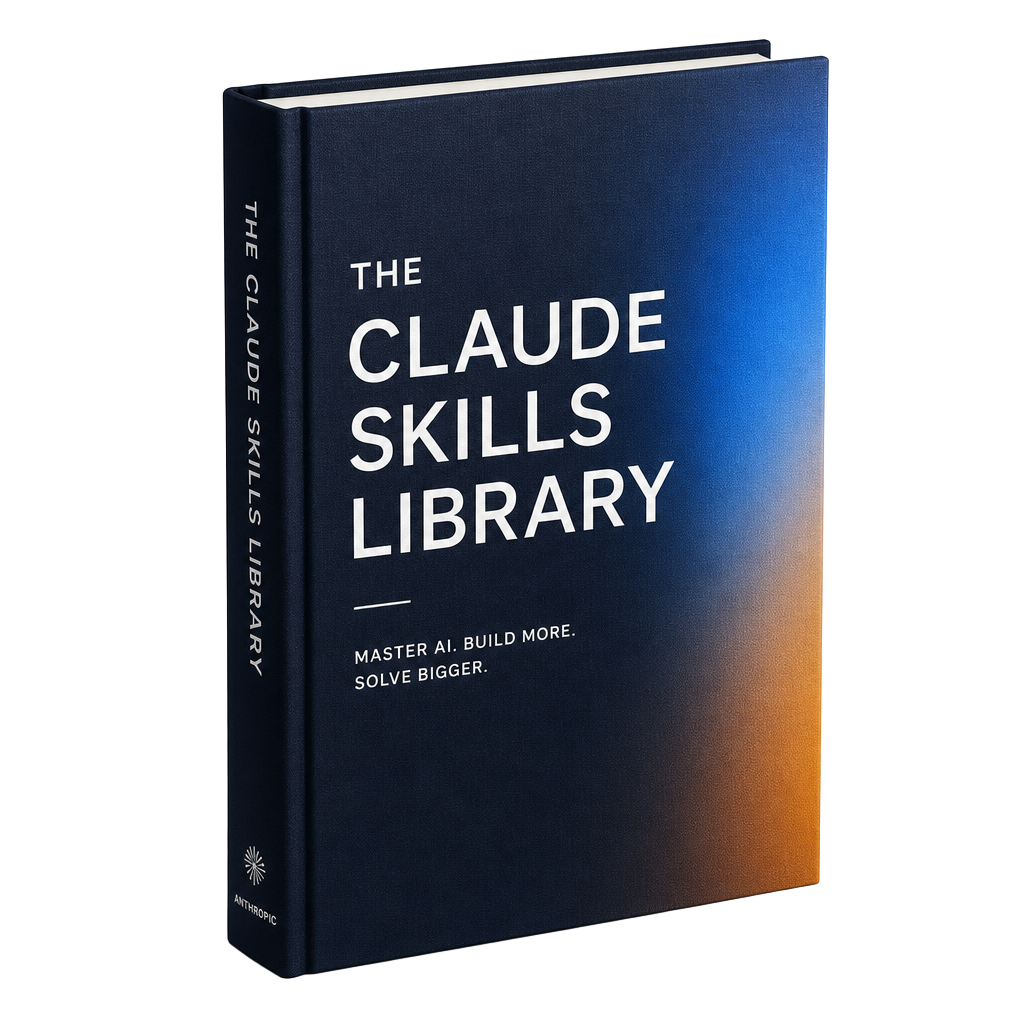
Ways to learn
Questions
Claude training teaches your team to set up and use Claude, Anthropic's AI assistant, for real work. Mia's training builds a Claude operating system for each person, connected to your documents and tools, with automated workflows running by the end of day two.
Mia will recommend the right plan for your team in the planning session, and help your IT team set up accounts and security before training.
Each has strengths. Claude is particularly strong at writing, analysing long documents, following detailed instructions, and running skills and scheduled tasks. Mia also offers Microsoft Copilot training and will help you choose.
Yes. Claude connects directly to Google Drive, Gmail and Google Calendar, plus Microsoft 365, Notion and other tools, so it works from the documents you already have.
Security comes first in every program. Your team learns what's safe to include and how to handle confidential information, and agrees a written AI usage policy before any company data goes in.
No. Claude training is designed for people who have never considered themselves technical.