1. Planning session
A 30-minute call to understand your business, your team and where the time is going. We talk through the workflows that slow you down: manual reporting, timesheets, contracts, compliance, inboxes.
People-led AI systems · Australia
Most Australian businesses are using AI in an uncoordinated way. One person uses Claude, another tries ChatGPT, someone else experiments with Copilot. None of it talks to each other, none of it knows your business, and none of it adds up to anything.
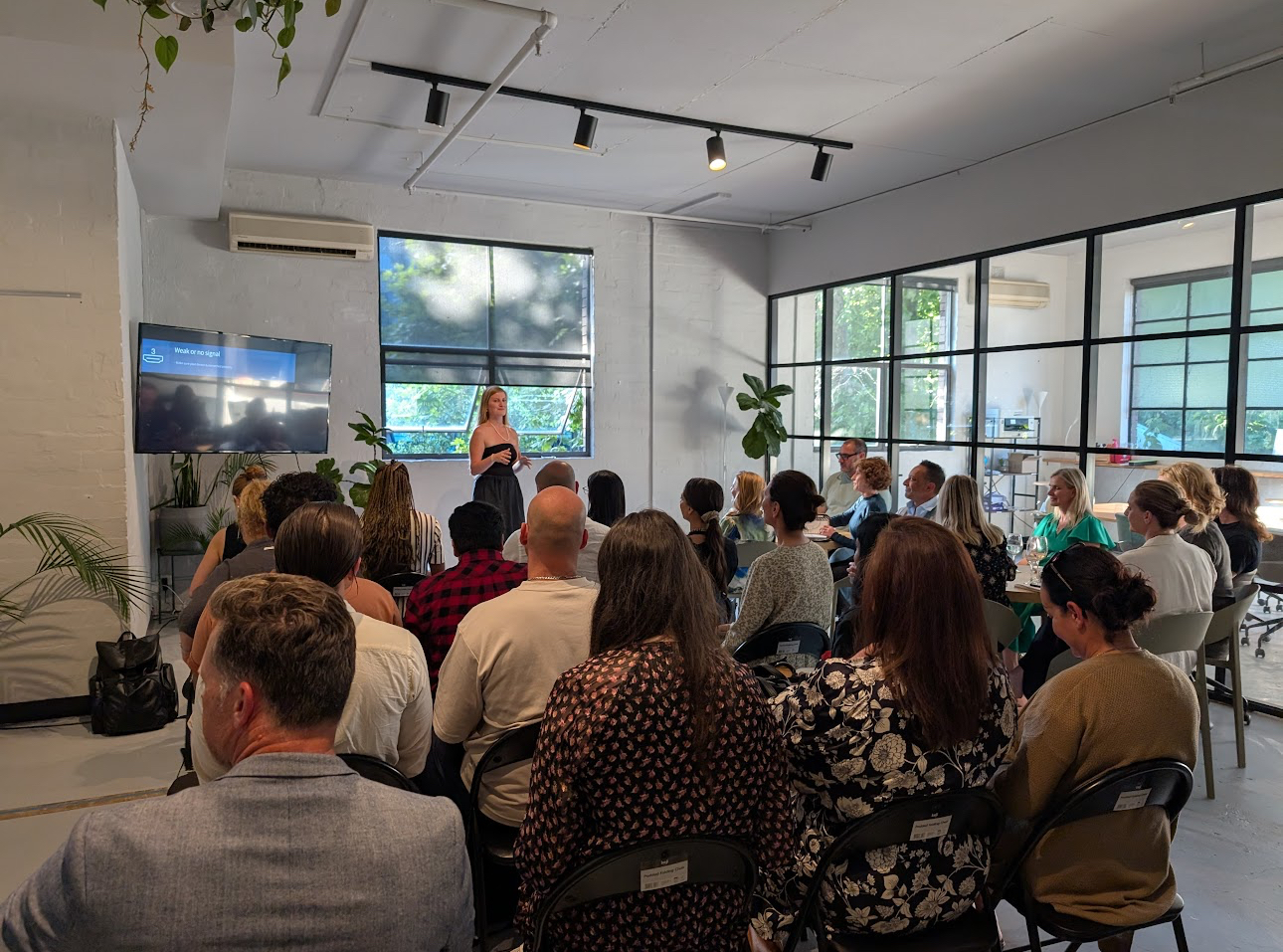
Mia Bowyer's corporate AI training fixes that. In a practical, two-day, in-person program, your team builds one governed AI operating system around your real workflows, documents and roles. Every person leaves with a working system they have already used on real work. It works from the first day.
5,500+ people trained · 120+ businesses · Delivered across Australia, Asia-Pacific, Dubai, India and the USA
The difference
You'll be building a better way to work. People stay at the centre, and they get back time for the work only they can do.
Most corporate AI training teaches theory. Staff sit through slides about what AI could do, then go back to work and change nothing. Mia doesn't lecture. She builds alongside your team, using your own files, until every person has a system that works.
| Typical AI training | People-led AI training with Mia |
|---|---|
| AI in theory, not practice | Built live, hands-on, using your real files |
| Generic examples | Custom curriculum for your business |
| Focused on tools | Focused on your people and their roles |
| Everyone using different tools | One governed system for the whole team |
| Over when the day ends | 30-day roadmap, support and check-in |
“We must stop telling employees AI will take your job and equip them with their own AI system to help scale companies instead.” Mia Bowyer
From planning to rollout
A 30-minute call to understand your business, your team and where the time is going. We talk through the workflows that slow you down: manual reporting, timesheets, contracts, compliance, inboxes.
Mia groups what she hears into clear challenge areas, such as manual reporting, timesheets and payroll, inventory tracking, compliance, safety KPIs, long contracts, quoting, inbox overload and design work. These areas shape your curriculum.
Mia builds a curriculum specific to your business, along with a technical set-up plan with your IT team covering accounts, connectors and security. Sessions use your own documents wherever possible.
Delivered at your office, as two full days or two half-days. A gap between sessions is intentional: real experience on real tasks is worth more than another hour in a training room.
30 days of email support and a follow-up call while new habits form.
A check-in to measure what's working, plus recommendations for your next phase, such as rolling the system out from leadership to every department.
Typical timeline: planning in week 1, curriculum built in weeks 2–4, training in weeks 4–6, support in weeks 6–10, and the 30-day check-in around week 10.
The system
The reason most AI experiments don't stick is that people start in the wrong place. They pick up a tool, use it for one task, get a mediocre result because the tool knows nothing about their business, and quietly stop. Mia's training builds the system in the right order.
| Layer | What it does | Built on |
|---|---|---|
| 1. Context | The AI learns your business: your voice, clients, compliance environment and each person's role | Day 1 |
| 2. Data | Your documents, SOPs, rate cards and compliance files become the AI's knowledge base | Day 1 |
| 3. Intelligence | The AI produces real work: proposals, reports, communications, summaries | Day 1 |
| 4. Automate | Recurring tasks run on a schedule without anyone starting from scratch | Day 2 |
| 5. Build | Everything connects into one operating system each person uses every day | Day 2 |
The result isn't ten separate tools. It's one organisational brain with many access points. When one person documents an SOP or builds a template, everyone can use it. New staff join a system that already knows how your business works.
Day one
Day two
Each person gets a set of up to ten role-specific AI workflows. Some examples by role:
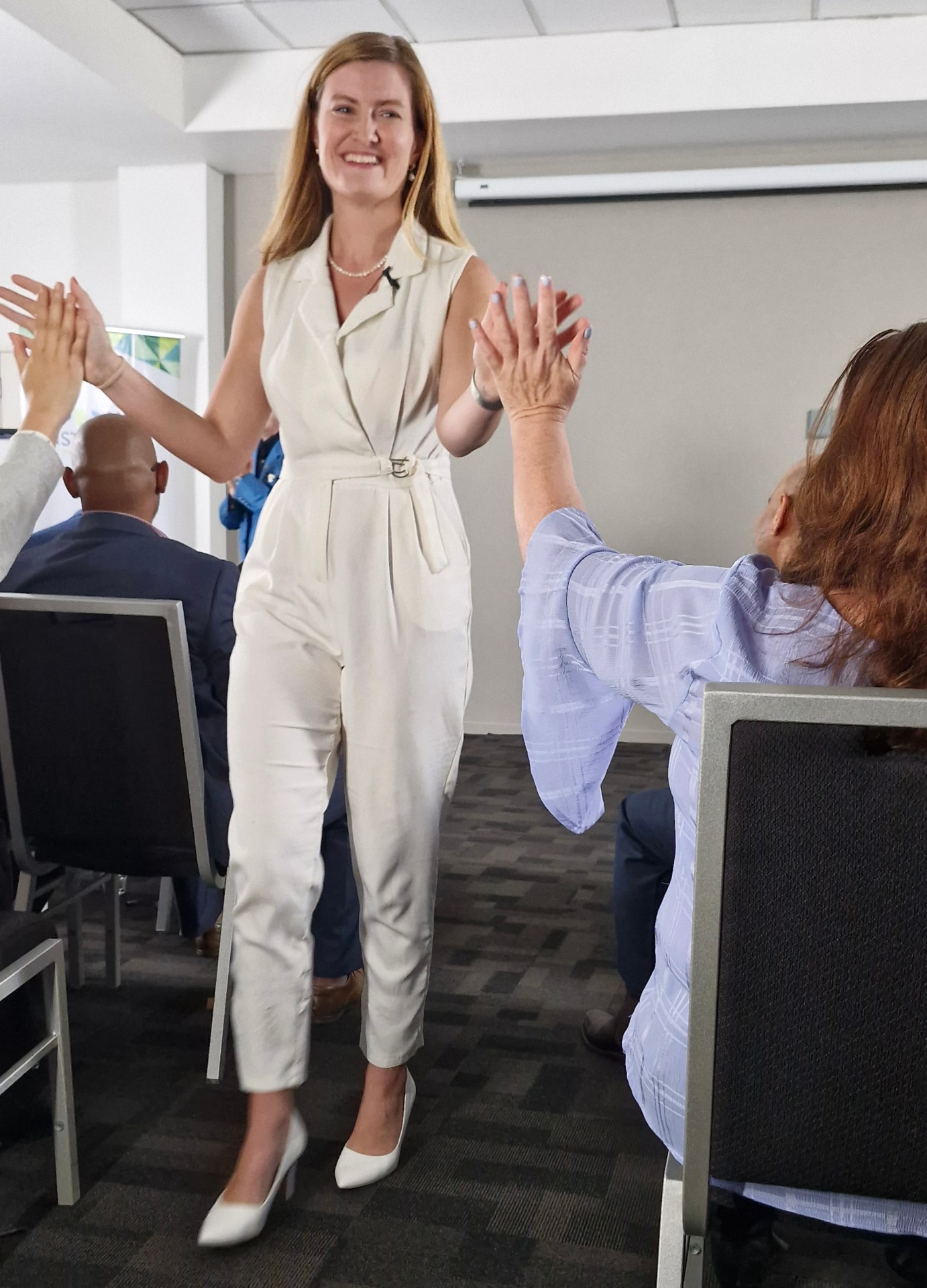
AI training should make your business more efficient without changing what makes it good. Your client relationships, service standards, safety record, brand voice and the people your clients deal with all stay exactly as they are. AI handles the admin so your people can spend more time on them.
Programs are tailored to any industry, including logistics and transport, construction, mining services, labour hire, professional services, agencies and tech.
Claude · ChatGPT · Microsoft Copilot · Google Workspace (Drive, Gmail, Calendar) · Microsoft 365 · Notion · Xero · Wispr Flow · the Claude Chrome extension
The program is built around the tools your organisation already uses or has approved.
“Mia is like a standup comedian that secretly teaches you how to run extensive AI systems that can automate your work and scale. Everything she teaches is live and practical, so you come away with an actual system. She is the person you want in your corner in the AI race. Everyone was buzzing after attending the session.”Shane McGeorge, CEO & Tech Entrepreneur, Insites
“Mia Bowyer somehow made AI feel less intimidating and more like that overachieving friend you secretly want on your team. I went from 'I've never used Claude!' to installing it the second I got home.”Khushi Litoria, Creative Lead
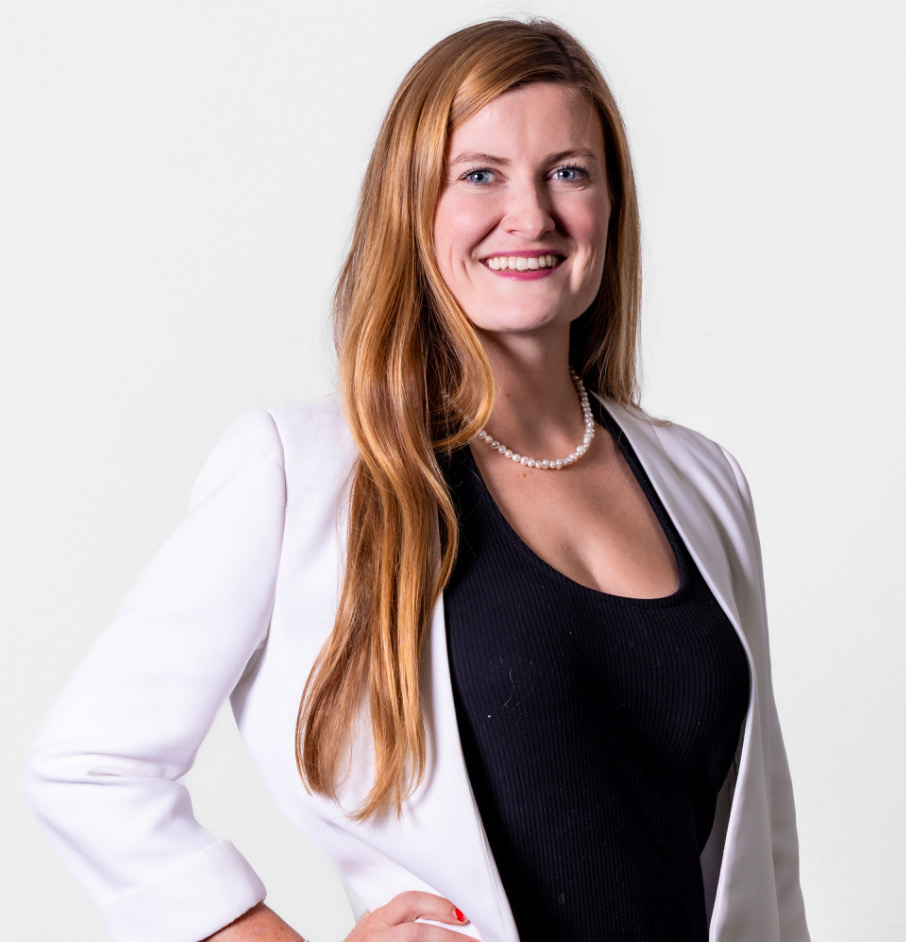
Mia Bowyer is an international AI trainer, keynote speaker and CEO of Automate Social, with a decade in tech and business operations. She has trained more than 5,500 people across 120+ businesses in Australia, Dubai, Asia and the USA. She started her career at Ogilvy PR supporting clients like Microsoft.
She doesn't teach theory. She builds systems that work on day one.
More about MiaAnswers before we begin
Corporate AI training teaches your staff to use AI tools like Claude, ChatGPT or Microsoft Copilot in their real work. Mia's program is hands-on: every person builds a working AI system around their role and your business documents, rather than learning theory.
The core program is two days, delivered in person as two full days or two half-days with a gap to practise in between. It's supported by a planning session beforehand and 30 days of support afterwards.
No. The program is designed for people who have never considered themselves technical. The learning curve is a conversation, not a software course.
Yes. A planning session confirms which workflows to focus on, and sessions use your own files, spreadsheets and processes wherever possible.
Security comes first. Before any company data goes into an AI tool, your team learns what's safe to include and how to handle confidential and financial information, and agrees a written AI usage policy. Business information shared during training stays confidential.
Mia helps you choose during planning. Many businesses choose one governed tool, often Claude or Microsoft Copilot, so the whole team builds on one system instead of scattered experiments.
You get 30 days of email support, a follow-up call, a 30-day check-in and recommendations for your next phase. Every participant has a written 30-day action plan.
You do. Custom materials, prompt libraries, SOP frameworks and templates remain your property after the program.
Programs are tailored to your team, from small leadership groups of 5–8 to larger cohorts. Larger organisations often train leadership first, then roll out to each department.
Every program is customised to your team size, workflows and location. Book a planning session and Mia will send a tailored proposal.
Book a 30-minute planning session. We'll map where your team's time is going and what a custom program would look like for your business.